Physical Address
304 North Cardinal St.
Dorchester Center, MA 02124
Physical Address
304 North Cardinal St.
Dorchester Center, MA 02124


Read More: Certified IoT Internship for Agriculture and Livestock
In the advancing digital era, cybersecurity becomes one of the essential aspects to be considered by every personal device user. Cyberattacks can target anyone, from individuals to large corporations, and their impacts can be highly detrimental. Therefore, understanding how to optimize cybersecurity on personal devices is a crucial step in protecting your information and data. This article will discuss various effective ways to improve cybersecurity on your personal devices.
Read More: How to Deal with Cybercrime
One of the most basic steps in maintaining cybersecurity is by using strong and unique passwords. Strong passwords typically consist of a combination of uppercase and lowercase letters, numbers, and symbols. Additionally, it’s important not to reuse passwords for multiple accounts.
Read More: Introducing IoT Satellites: The Future of IoT Technology
Two-factor authentication (2FA) is an additional layer of security that requires not only a password but also a second factor, such as a code sent to your phone, to access an account. This makes it harder for attackers to gain access to your account, even if they have your password.
Read More: 5G Technology: What You Need to Know and Prepare For
Software updates often contain critical security fixes. Ignoring these updates could leave your device vulnerable to attacks.
Read More: The Impact of Technology onVarious Aspects of Life
Regular installation and updates of antivirus and anti-malware software can help protect your device from various cyber threats, including viruses, trojans, ransomware, and spyware.
Read More: Rapid Development of Digital Technology
Unsecured Wi-Fi networks can serve as entry points for attackers to access your devices. Therefore, it’s essential to secure your home Wi-Fi network.
Read More: What Is NFC? Understanding Near Field Communication Technology
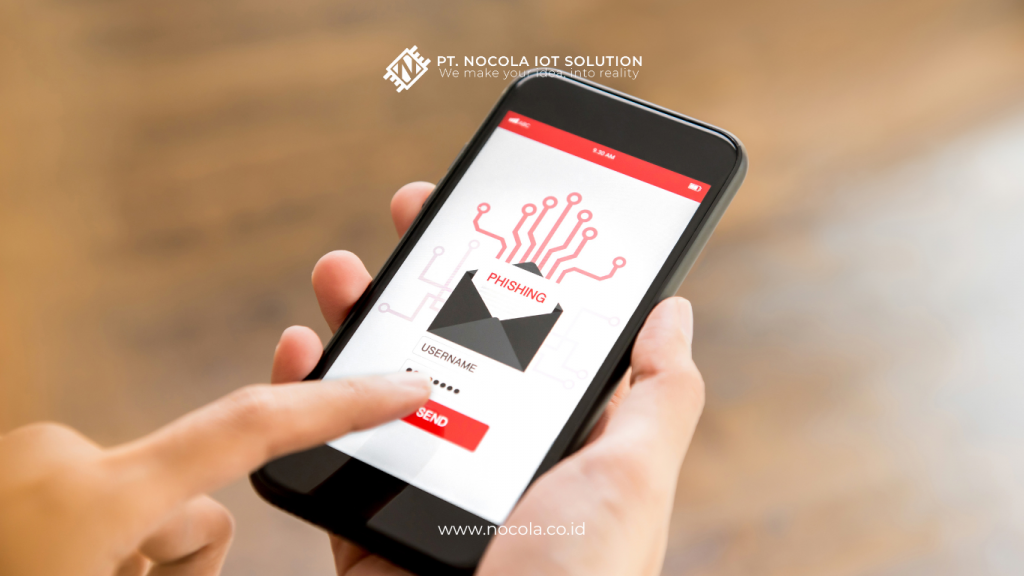
Phishing is an attempt to obtain sensitive information such as usernames, passwords, and credit card details by masquerading as a trustworthy entity in electronic communication.
Read More: Preparing for Technological Change
Regularly backing up data is a crucial step in securing your information from cyberattacks or device failures.
Read More: Media Professions Most Likely to Be Affected by AI Technology
Mobile devices are often targeted in attacks because many people store sensitive information on them. There are several steps you can take to secure your mobile device.
Securing Mobile Devices Steps
Read More: How Technology Enhances Workplace Productivity
Implementing good personal security policies is a crucial part of maintaining cybersecurity. This includes refraining from sharing personal information indiscriminately and understanding the security risks of your online actions.
Cybersecurity is a responsibility that every user of personal devices must bear. By following the steps outlined above, you can protect your devices and personal information from cyber threats. Start with basic steps like using strong passwords and enabling two-factor authentication, then continue with regular software updates and using reliable antivirus software. With a proactive and vigilant approach, you can minimize risks and maintain the security of your personal devices.

