Physical Address
304 North Cardinal St.
Dorchester Center, MA 02124
Physical Address
304 North Cardinal St.
Dorchester Center, MA 02124

In the era of digital transformation, operational processes across various industries are moving towards more modern, faster, and efficient systems. One of the most noticeable changes is in the way operational data is recorded. Previously, recording was done using paper—a method prone to loss, damage, and requiring significant storage space. Now, companies are shifting to Digital LogSheets—a paperless recording solution that is more practical and accurate.
This article discusses how Digital LogSheets work, their benefits for companies, and why this technology is becoming the primary choice in the digital era of modern industry.
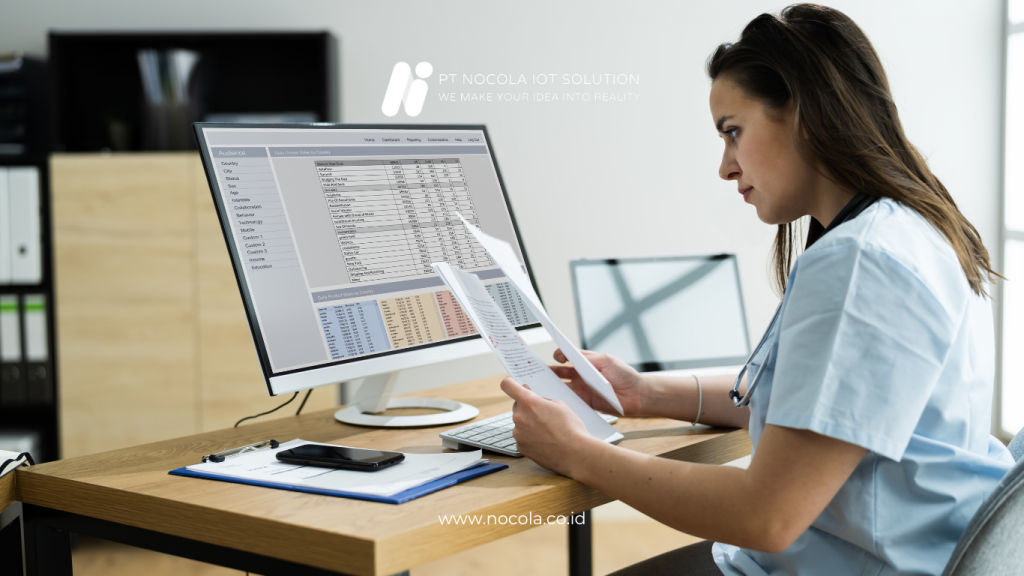
Digital LogSheet is a digital operational recording system that replaces the manual process of using paper. Through this platform, operators can simply enter data using smartphones, tablets, or computers. All data is automatically stored in a centralized database and can be accessed by relevant teams anytime and anywhere.
With this technology, processes that usually take hours can be completed in just minutes. Digital LogSheet ensures that all operational records are neatly recorded, easily traceable, and free from manual entry errors.

For decades, industries have relied on manual recording methods. However, as speed and accuracy needs have increased, this method has shown several shortcomings:
Paper is easily damaged, torn, or lost when moved from one department to another.
When needed, documents often pile up, consuming a significant amount of time to search through.
Illegible handwriting, missed columns, or duplicate data entry complicate the validation process.
Physical documents require dedicated space and often incur additional costs for archiving and management.
Data can only be checked after it is collected manually, leading to delays in operational decisions.
Digital LogSheet addresses all these issues, providing a faster, easier, and more flexible system.

Adopting Digital LogSheet provides numerous benefits that can enhance efficiency, data quality, and productivity for operational teams.
With a digital system, every form entry is immediately sent to the dashboard in real-time. Managers and supervisors can monitor field conditions without waiting for manual reports, allowing decisions to be made more quickly.
All data is neatly stored within a system that can be sorted, filtered, or searched by date, location, operator, and category. The audit process becomes significantly easier.
The digital format minimizes entry errors. The system can require mandatory fields, set numerical limits, include supporting photos, and validate automatically, resulting in more accurate data.
Reducing the use of paper, stationery, and manual processes naturally saves operational costs. Additionally, staff no longer need to re-enter data from paper to computer.
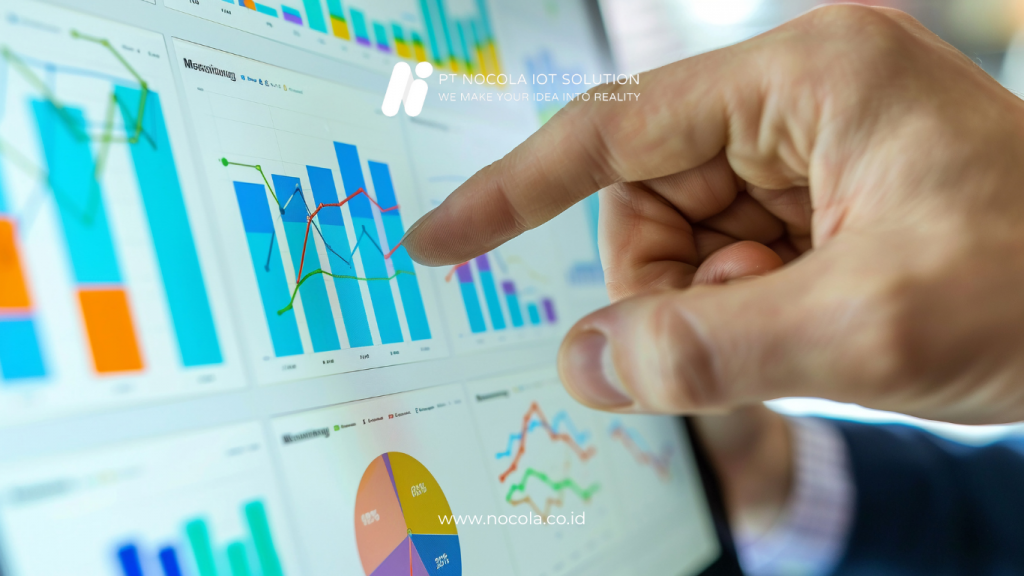
The digital dashboard displays graphs, trends, and analyses that help companies understand their operational performance more deeply.
Digital LogSheet is not just a digital form; this system is equipped with features that support operations at both small and large industrial scales.
Every company has different recording needs. Digital LogSheet allows the creation of forms tailored to SOPs and operational types, ranging from daily checklists and equipment inspections to machine condition reports.
Operators can attach photos as validation evidence. This is particularly useful for inspections, condition assessments, and routine documentation.
Ensures report authentication without the need to print documents.
When there are incomplete entries, data anomalies, or report deadlines, the system automatically sends notifications.
Displays operational trends in graphical form, making it easier to monitor performance and identify issues.
All data is securely backed up in the cloud, with access permissions configurable according to user roles.

Digital LogSheet can be used across nearly all industries. Here are some examples of its applications:
Manual recording is now a thing of the past. Digital LogSheet offers a faster, more accurate, efficient, and eco-friendly way to manage company operations. With comprehensive features and modern technology support, companies can enhance data quality, speed up decision-making processes, and reduce operational costs.
Digital transformation is no longer an option—it is a necessity. And Digital LogSheet from Nocola is the right first step towards smart and paperless operations.

